
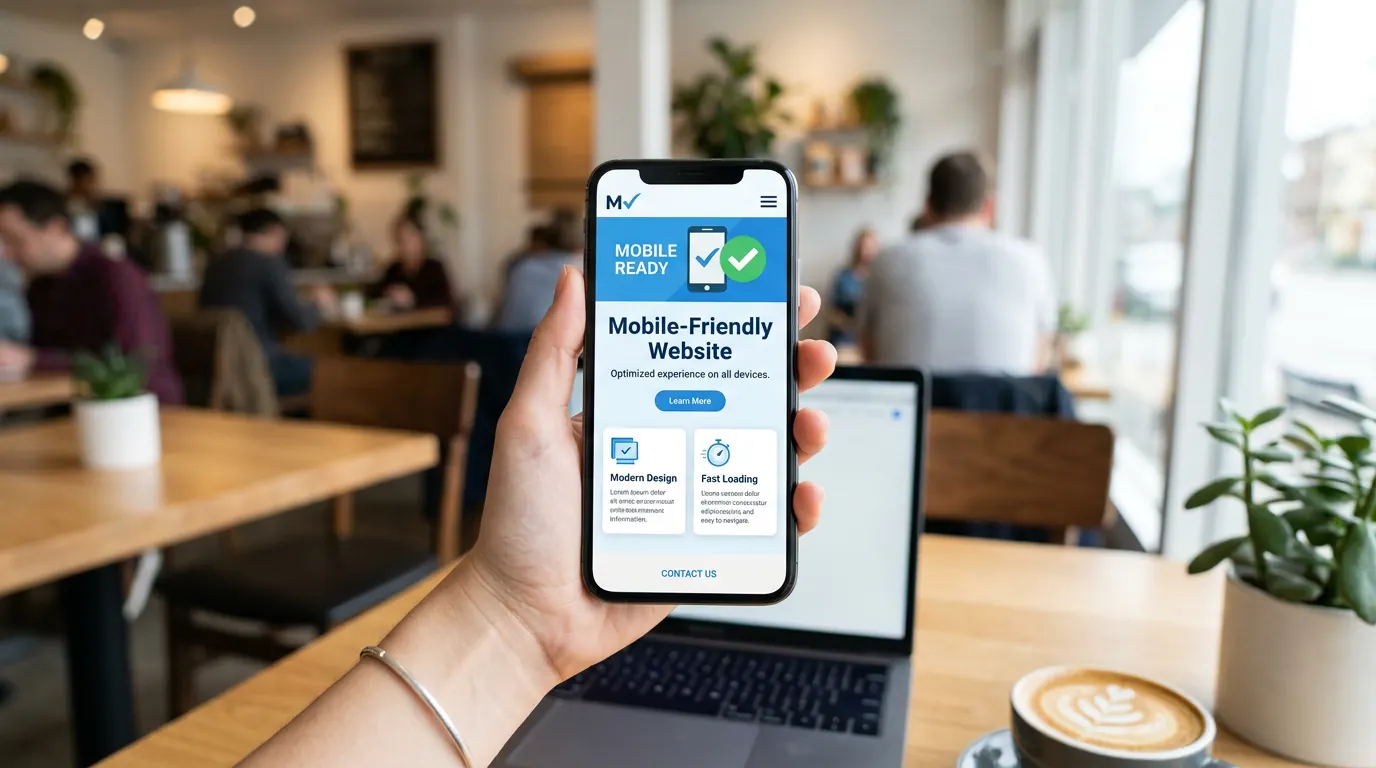
Google uses the mobile version of your site for indexing and ranking. If it’s slow, broken, or hard to use on a phone, you lose visibility and visitors. Making your site mobile-friendly is no longer optional — it’s essential for SEO and conversions.
This guide covers what “mobile-friendly” means, how to test your site, and the main fixes: responsive design, touch targets, readable text, and speed.
What Google means by mobile-friendly
Your page should load quickly on a phone, show content without horizontal scrolling or zooming, and use text that’s readable without zoom. Buttons and links must be large enough to tap easily (roughly 48px). Pop-ups or interstitials shouldn’t block the main content. Google’s Mobile-Friendly Test and PageSpeed Insights (mobile) tell you if you pass.
Step 1: Test your site on real devices
Open your site on a few phones (different screen sizes if you can). Click through key flows: homepage, contact, main service pages. Check that menus work, forms are usable, and nothing is cut off or too small to tap. Use Chrome DevTools “Device toolbar” to simulate phones on desktop. Run the Mobile-Friendly Test (search.google.com/test/mobile-friendly) and fix any errors it reports.
Step 2: Use responsive design
Responsive design means one site that adapts to screen width (CSS media queries, flexible layouts, fluid images). Avoid separate “m.” or “mobile.” URLs unless you have a strong reason — one responsive site is simpler to maintain and avoids duplicate-content issues. If you use WordPress, choose a theme that’s built to be responsive and test after any big design change.
Step 3: Fix touch targets and text
Links and buttons should be at least 48px tall and have space between them so users don’t tap the wrong one. Font size for body text should be at least 16px so people don’t have to zoom. Avoid tiny “click here” links and make sure form fields are large enough to tap and type in comfortably.
Step 4: Speed up the mobile experience
Mobile users often have slower connections. Compress images, use lazy loading, and keep scripts and styles minimal so the mobile page loads quickly. PageSpeed Insights “Mobile” tab gives specific suggestions. Improving mobile speed also helps Core Web Vitals, which affect ranking.
Step 5: Check viewport and avoid blocking content
Your pages must have a proper viewport meta tag so they scale correctly on phones. Avoid full-screen pop-ups or overlays that hide the main content on first load — Google can penalise intrusive interstitials. Use smaller, dismissible banners or inline prompts instead.
Frequently asked questions
Do I need a separate mobile site?
Usually no. A single responsive site that works on all devices is the standard approach. It’s easier to maintain and avoids duplicate content. Separate mobile URLs (e.g. m.example.com) are only needed in specific cases (e.g. very different mobile experience).
How do I know if my site is mobile-friendly?
Use Google’s Mobile-Friendly Test (search.google.com/test/mobile-friendly). It will say “Page is mobile friendly” or list issues to fix. Also run PageSpeed Insights and test on real phones.
A mobile-friendly site is non-negotiable for SEO and for users. Test on real devices and with Google’s tools, then fix layout, touch targets, text size, and speed. If you want your site designed or updated with mobile in mind from the start, our website and hosting packages include responsive design — or get in touch to discuss.