
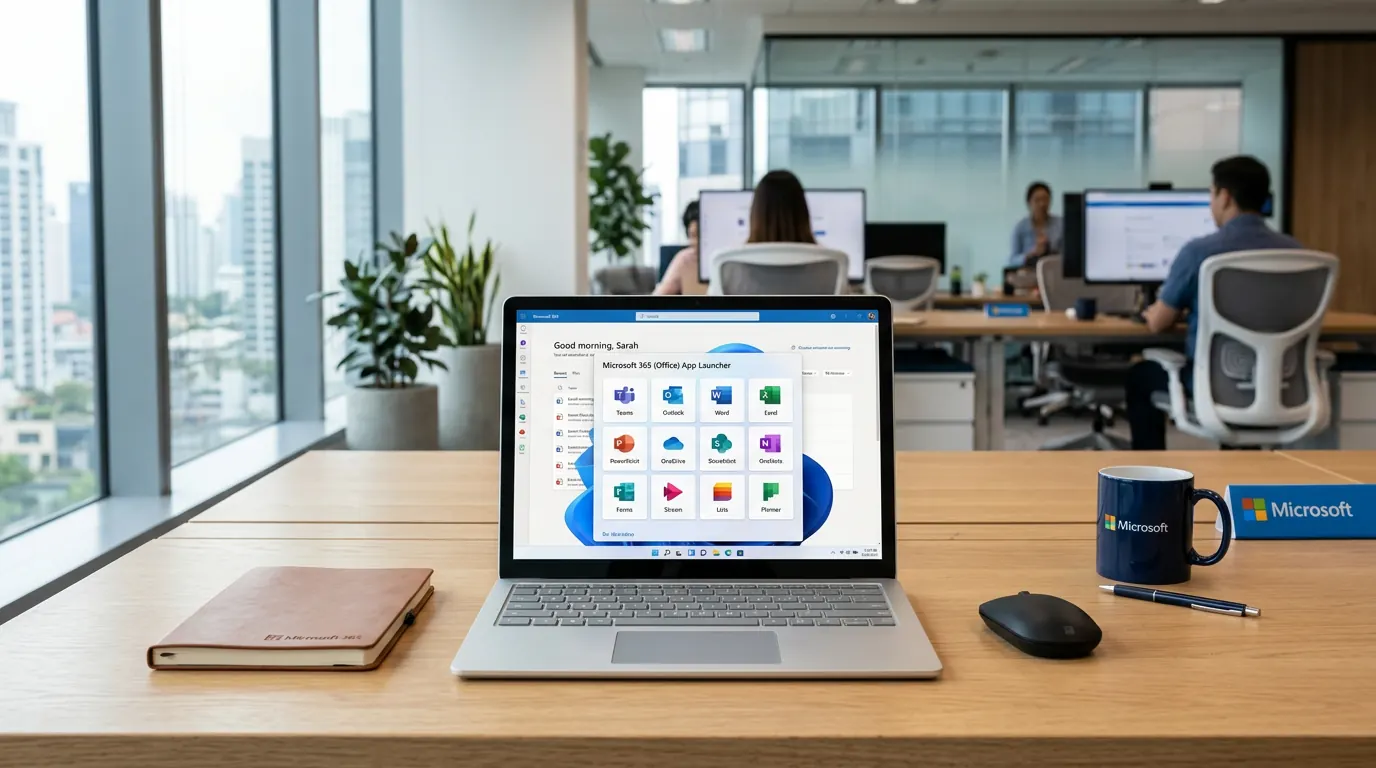
Microsoft 365 (formerly Office 365) bundles email (Outlook), Office apps (Word, Excel, PowerPoint), Teams, and cloud storage (OneDrive/SharePoint) in one subscription. For small businesses it can simplify licensing and collaboration — but it’s a recurring cost, and you need to know what you’re getting and whether alternatives (e.g. Google Workspace) fit better.
This article explains what Microsoft 365 offers, typical costs in South Africa, and how to decide if it’s worth it for your business.
What you get in Microsoft 365
Plans vary, but typical business plans include: Outlook for email (often with your own domain, e.g. you@yourbusiness.co.za), Word, Excel, PowerPoint, and sometimes Publisher or Access; Microsoft Teams for chat, meetings, and calls; OneDrive and SharePoint for file storage and sharing; and security and compliance tools. You can install the apps on multiple devices and use them online. Everything stays in sync across devices and is backed by Microsoft’s infrastructure.
Typical cost in South Africa
Pricing is per user per month and depends on the plan (Business Basic, Standard, Premium, etc.) and whether you buy direct from Microsoft or through a partner. Expect roughly R150–R400+ per user per month for business plans in ZAR (prices change; check current rates). Education and non-profit discounts exist. The cost is recurring, so for a small team it adds up — but you avoid large upfront licence fees and get updates and cloud services included.
When Microsoft 365 makes sense
It’s a good fit if you want one vendor for email, documents, and collaboration; you already use or prefer Word, Excel, and Outlook; you need Teams for video calls and chat; or you want integrated cloud storage and sharing. Many businesses like the familiarity of Office and the fact that everything (email, files, meetings) can live in one ecosystem with one login.
Alternatives to consider
Google Workspace offers Gmail, Drive, Docs, Sheets, and Meet — often at a similar or lower price. It’s strong for collaboration and simplicity. If your team is already on Google or you prefer web-first tools, Workspace is worth comparing. Some businesses use a mix (e.g. Microsoft for email and Office, something else for chat). The right choice depends on what your team actually uses and whether you need deep Office compatibility (e.g. complex Excel or Word templates).
Making the decision
List what you need: email on your domain, which apps (word processor, spreadsheet, etc.), video calls, file sharing. Compare Microsoft 365 and Google Workspace (and any other option) on price, features, and ease of use. If you’re unsure about setup or migration, a partner or IT provider can help — we can advise on Microsoft 365 and related services. View our Microsoft services or contact us.
Frequently asked questions
Is Microsoft 365 the same as Office 365?
Microsoft 365 is the current name; Office 365 was the older name. The service evolved to include more than just Office apps (e.g. Teams, more cloud features). If someone says “Office 365” they usually mean the same subscription-based Microsoft productivity suite.
Can I use my own domain for email with Microsoft 365?
Yes. Business plans let you use your own domain (e.g. you@yourcompany.co.za) with Outlook. You add the domain and set the required DNS records; Microsoft or your IT provider can guide you.
What if I only need email and Word?
You might still need a business plan for custom domain email; the cheapest plans may limit desktop apps. Compare Business Basic (web and mobile) with Standard (includes desktop Office) and choose the one that matches how you work.
Microsoft 365 is a strong option for small businesses that want integrated email, Office apps, and collaboration. Compare plans and pricing with Google Workspace and your actual needs. Need help with licensing, setup, or migration? View our Microsoft services or get in touch.