
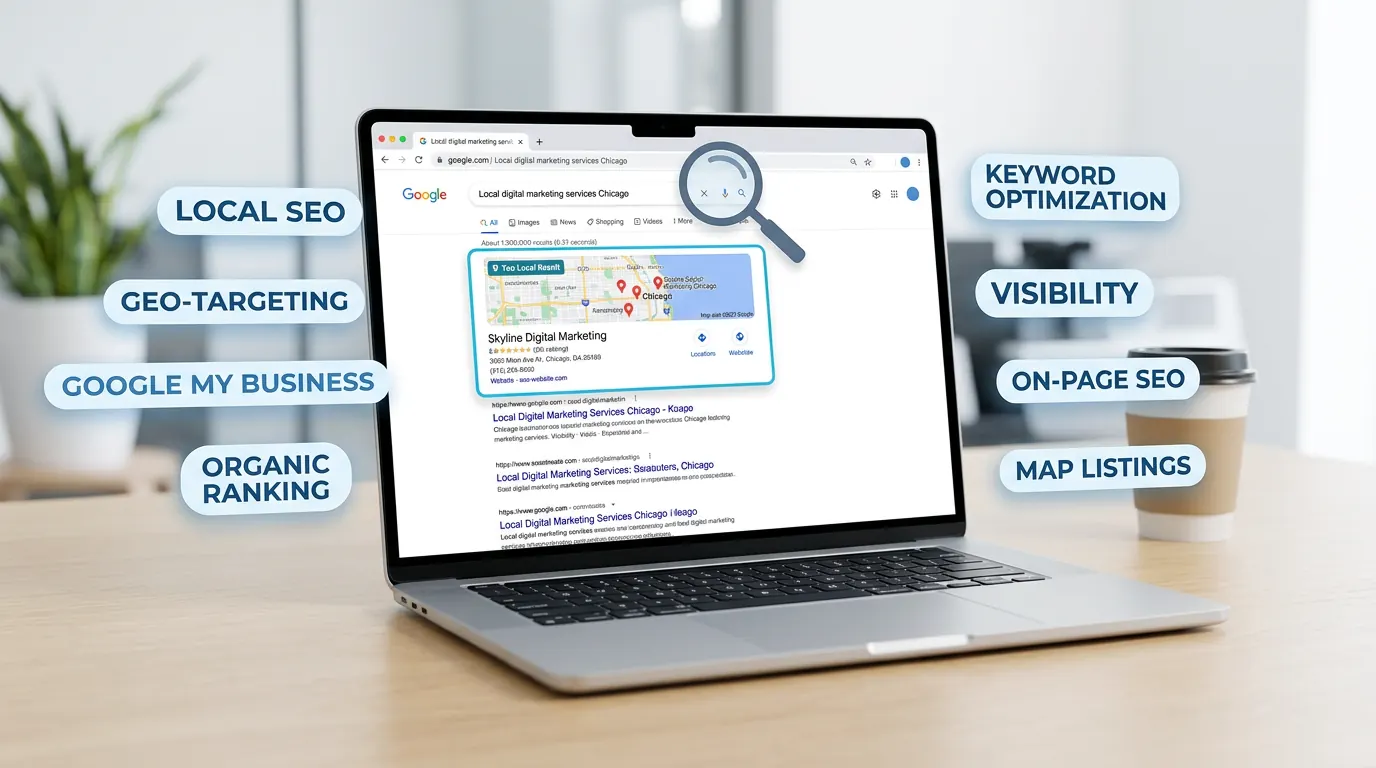
SEO — search engine optimisation — is the work that helps your website show up when people search on Google. For small businesses, you don't need to master every technical detail. You need a few fundamentals: the right words on your site, a site that loads and works properly, and a clear presence where it matters locally.
This guide covers the basics: what Google is looking for, what to do on your own site, and how to build visibility over time without spending a fortune.
What Google is trying to do
Google wants to show the most relevant, helpful result for each search. So it looks at your page content, your site structure, whether your site works on mobile, how fast it loads, and whether other sites link to you. The better you match what the searcher needs — and the more trustworthy your site looks — the more likely you are to rank.
For small businesses, "relevant" often means: does your page clearly describe what you do and where you are? Does it answer the question or intent behind the search? If someone searches "plumber near me" or "bakery Cape Town", your content and location signals need to line up.
Keywords: what people actually search for
Keywords are the phrases people type into Google. Your job is to use those phrases naturally in your titles, headings, and content so Google can see that your page is about that topic. You don't need a long list — start with a few: your service or product, your area, and common questions (e.g. "how much does X cost", "best X near me").
Put your main keyword in the page title (the one that shows in search results and in the browser tab), in one or two headings (H1, H2), and in the first paragraph. Don't stuff the same phrase in every sentence; write for a human first, then make sure the key phrases appear where they make sense.
On-page basics: title, description, and content
Each page should have a unique title (under about 60 characters) that includes your main keyword and tells people what the page is about. The meta description (the short summary under the title in search results) doesn't directly affect ranking but can improve click-through — write a clear, compelling line that includes the keyword and a reason to click.
Your content should answer the searcher's question or need. Use headings to break up the page (H1 for the main title, H2 for sections, H3 for subsections). Add your contact details, service area, and a clear call to action. Keep paragraphs short and scannable. One focused page per topic or service is better than one long page that tries to cover everything.
Technical basics: speed and mobile
Google prefers sites that load quickly and work well on phones. If your site is slow or broken on mobile, you'll struggle to rank no matter how good your content is. Use a reliable hosting provider, compress images, and avoid heavy scripts or design elements that slow the page down. Test your site on a phone and fix anything that's hard to read or use.
A simple, well-built site (e.g. WordPress with a light theme, or a static site) is often enough. You don't need every plugin or feature — you need a fast, mobile-friendly foundation.
Local SEO: your area and Google Business Profile
For businesses that serve a local area, local SEO is crucial. Your website should mention your location and service area clearly. Use the same business name, address, and phone number (NAP) on every page and in your footer. Claim and complete your Google Business Profile — same NAP, correct hours, photos, and a link to your site. The more consistent and complete your presence, the better Google can show you for "near me" and area-based searches.
Reviews on your Google Business Profile also matter. Encourage happy customers to leave a review and reply to them. It builds trust and can support your local ranking.
Links and content over time
Google uses links from other sites as a signal of trust and relevance. You don't need thousands of links — a few from local directories, industry sites, or partners can help. Focus on quality and relevance, not buying links or spamming.
Adding or updating content over time (e.g. a blog post, an updated services page, or new FAQs) can also help. It shows your site is active and gives Google more to index. You don't have to publish daily; consistency and usefulness matter more than volume.
Frequently asked questions
How long before I see SEO results?
SEO is usually a slow burn. You might see small changes in a few weeks; more noticeable improvements often take a few months. Local SEO and Google Business Profile can sometimes show results sooner. The key is to do the basics well and stay consistent.
Do I need to hire an SEO agency?
You can do a lot yourself: keywords in titles and content, a fast and mobile-friendly site, a complete Google Business Profile, and consistent NAP. If you don't have time or want to go deeper (e.g. technical audits, link building, content strategy), an agency or consultant can help. Start with the basics and scale from there.
What's the difference between SEO and Google Ads?
SEO improves your organic (unpaid) position in search over time. Google Ads gets you in front of searchers immediately but you pay per click. Both can drive traffic; many businesses use both. SEO is long-term; Ads are instant.
SEO for small business comes down to: the right keywords in your titles and content, a fast and mobile-friendly site, a complete and consistent local presence (including Google Business Profile), and a bit of patience. Get the fundamentals right first, then refine. If you want help with your website, our website and hosting packages include support for getting your site in shape. Listing care is a separate R175 per month Google Business Profile add-on. SEO, ads and content sit in our digital marketing retainers — or get in touch to chat.