
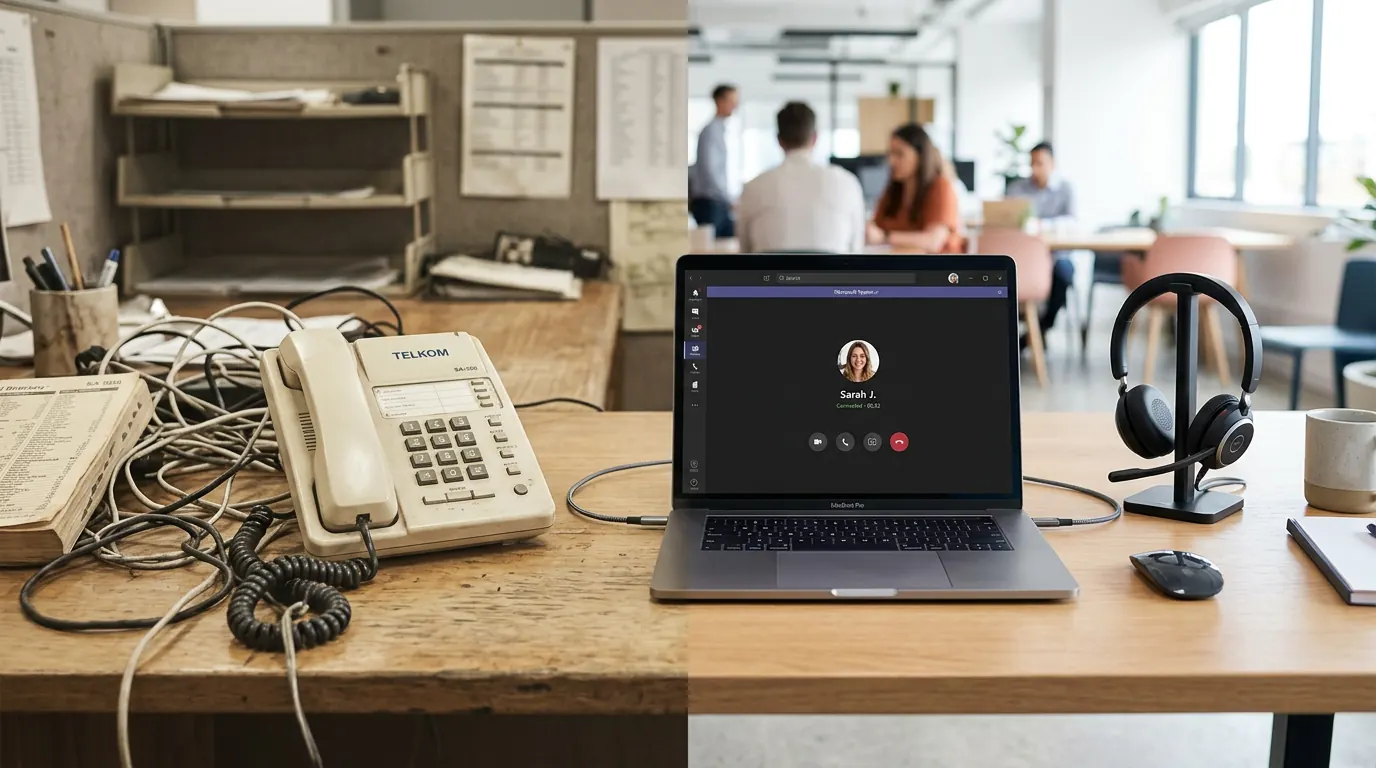
Many businesses still have a Telkom landline: familiar, but often expensive and tied to one location. VOIP (Voice over Internet Protocol) uses your internet connection to make and receive calls instead. The result is usually lower monthly costs, more flexibility (use your number on a desk phone, softphone, or mobile app), and features that landlines can't match.
This guide explains why businesses are switching from Telkom to VOIP, what the move involves, and how to do it step by step so you keep your number and avoid downtime.
Why switch from Telkom to VOIP?
Landline costs add up: line rental, call charges, and often long-term contracts. VOIP typically charges a flat monthly fee per user or extension, with inclusive minutes or low per-minute rates. For businesses that make a lot of calls — especially long distance or to mobiles — the savings can be substantial.
VOIP also runs over the internet, so you're not dependent on a physical line. You can use a desk phone, a computer softphone, or an app on your mobile and keep the same business number. That makes it easier to work from home, the office, or on the road. Call quality depends on your internet connection; with a stable line, calls are typically crystal clear.
What you need before you switch
You need a reliable internet connection (fibre or a good LTE link). VOIP uses very little bandwidth for voice, so a standard business or home fibre line is usually enough. You'll also need a VOIP provider and either VOIP-compatible handsets or softphone/apps on your devices.
If you want to keep your existing Telkom number, you'll need to port it. Porting moves the number from Telkom to your VOIP provider so existing customers can still reach you on the same digits. Your provider will guide you through the porting process; it can take a few days to two weeks. Don't cancel your Telkom line until the port is complete, or you may lose the number.
Step 1: Choose a VOIP provider
Look for a provider that offers business VOIP in South Africa: clear pricing, number porting, and support. Compare what's included (extensions, minutes, voicemail, call forwarding) and whether you can use your own handsets or need to buy from them. Check contract terms and exit conditions so you're not locked in if things change.
Step 2: Plan your numbers and extensions
Decide whether you're porting your current number or getting a new one. Plan how many extensions or users you need (e.g. one per desk or per team member). Your provider will assign numbers and extensions and, if you're porting, start the port request with Telkom.
Step 3: Set up equipment and softphones
You can use IP phones (plug into your network), softphones on computers, or apps on smartphones. Your provider will give you login details and setup instructions. Test inbound and outbound calls on the new system before you rely on it for day-to-day use.
Step 4: Port your number and cancel Telkom
Once the port is complete, your VOIP provider will confirm that calls to your old number now ring on the new system. Only then should you cancel the Telkom line. Keep proof of the port completion and cancellation in case of billing or number issues.
What you gain after the switch
Besides lower costs and flexibility, you often get voicemail-to-email, call forwarding, hunt groups, and call recording (if your provider supports it). Many VOIP systems integrate with other tools (e.g. CRM or helpdesk). You can add or remove extensions as your team grows or shrinks without waiting for a technician to install new lines.
Frequently asked questions
Can I keep my existing business number?
Yes. Number porting moves your current Telkom (or other) number to your VOIP provider. The process is coordinated between your VOIP provider and the losing operator. Don't cancel the old line until the port is confirmed, or you risk losing the number.
What if my internet goes down?
VOIP needs internet to work. Many businesses use a backup connection (e.g. LTE) or forward calls to a mobile number when the main line is down. Your provider can explain options for failover and redundancy.
How much does business VOIP cost?
Costs vary by provider and package. You typically pay per user or extension per month, often with inclusive minutes. Setup and hardware (if you buy phones) can be one-off. Compare total cost with your current Telkom bill to see the saving.
Switching from Telkom to VOIP can cut your phone bill and give you a more flexible, feature-rich system. Plan the move: choose a provider, port your number, set up your phones or softphones, and only cancel the landline once the port is done. If you'd like to explore VOIP for your business, we can help. View our VOIP services or get in touch for a chat.